Online Booking System for Small Business: A Practical Setup Guide
If your best prospects have to call, wait, compare calendars, and then remember to call again, you are asking motivation to do administrative gymnastics. An online booking system for small business makes the next step obvious: choose a time, share the right details, receive confirmation, and stay connected until the appointment happens.
An online booking system for small business is a simple way to turn interest into scheduled appointments without endless back-and-forth. The strongest setup combines a focused booking page, a short intake form, automatic confirmation, helpful reminders, CRM follow-up, and a clear process for missed or rescheduled appointments.
This guide gives you a practical booking workflow for service businesses, consultants, clinics, agencies, and local teams. You will also see where Kalingo fits: connecting booking, forms, contacts, follow-up workflows, and reporting into one cleaner growth system.
Why Booking Friction Costs Small Businesses Real Opportunities
Most customers do not wake up thinking, "I would love to coordinate appointment logistics today." They want the result: a consultation, repair visit, treatment, class, demo, or quote. The more steps they must take before getting a confirmed time, the easier it is for the moment to fade.
Manual booking creates three common leaks. First, leads arrive outside business hours and wait too long for a reply. Second, staff spend time asking the same qualification questions repeatedly. Third, appointments get booked, but the customer does not receive enough context to show up prepared.
A good booking system fixes the handoff from interest to action. It does not replace human service; it protects it. Your team still handles the important conversations, but the calendar, confirmation, intake details, and follow-up do not depend on someone remembering to send one more message at the exact right time.
Online Booking System for Small Business: The Practical Setup Framework
Use this framework before you choose tools, rewrite pages, or add more reminders. The goal is not to make the booking process fancy. The goal is to make it clear, reliable, and easy enough that a motivated customer can finish it without needing a second coffee.
- Define the appointment promise: Name what the customer is booking, who it is for, how long it usually takes, and what happens after the appointment. "Free consultation" is vague. "30-minute setup call to map your follow-up workflow" is clearer and easier to say yes to.
- Use one primary booking action: Each landing page, email, or ad should point to one obvious next step. If the page offers a call, a quote, a newsletter, a download, and a general contact form with equal weight, the customer has to become the project manager. Make the main booking button unmistakable.
- Collect only useful intake details: Ask for the basics: name, email, phone if needed, service interest, and the one or two details your team needs before the appointment. Longer forms can improve qualification, but only when every question helps the next conversation.
- Confirm immediately: After booking, send a clear confirmation with time, location or meeting format, preparation notes, and the easiest way to reschedule. The customer should never wonder, "Did that go through?"
- Add reminders with a purpose: Reminders should reduce confusion, not add noise. A useful reminder confirms the appointment, repeats the key details, and gives one simple action if plans change.
- Connect the appointment to a CRM record: The booking should create or update a contact record so your team can see the person's source, interest, conversation history, and next step. This is where a booking system becomes a revenue process instead of a lonely calendar link.
- Plan for no-shows and reschedules: Decide what happens if someone cancels, reschedules, or does not attend. A friendly rebooking message often works better than silence followed by awkward manual chasing.
What to Put on Your Booking Page
Your booking page should answer the questions a customer has right before committing. Keep it short, specific, and confidence-building.
- The outcome: Explain what the appointment helps them solve or decide.
- The format: Clarify whether it is online, in person, by phone, or at the customer's location.
- The time commitment: Give a realistic duration so the customer can plan.
- The preparation: Mention anything they should bring, send, or think about beforehand.
- The next step: Tell them what happens after they book, such as receiving confirmation or completing a short intake form.
Avoid turning the booking page into a full sales brochure. The customer has already shown intent. Your job is to remove uncertainty, not invite them to read the complete history of your company since the dawn of invoices.
Examples for Small Businesses
Home service business: A plumbing, cleaning, or repair company can use booking to collect address, service type, urgency, and preferred time. The confirmation can explain arrival windows, parking access, and what photos or notes help the technician prepare.
Clinic or wellness practice: A clinic can use booking to collect appointment type, basic contact details, and preparation notes. Reminders can reduce confusion by repeating arrival time, location, cancellation expectations, and any forms the customer needs to complete.
Consultant or agency: A consultant can use booking for discovery calls, audits, or onboarding sessions. The intake form can ask about the business goal, current tools, and biggest bottleneck so the call starts with context instead of ten minutes of detective work.
Training or coaching business: A coach can let prospects book assessments, classes, or progress reviews. The system can confirm the session, send preparation notes, and trigger a follow-up if the person does not complete the next step.
How Kalingo Helps You Implement This
Kalingo helps small businesses connect the pieces around booking so appointments do not sit separately from leads, messages, and sales follow-up. Instead of treating the calendar as the finish line, you can treat it as one step in a larger customer journey.
- Booking and calendars: Use Kalingo to support appointment booking and calendar-based workflows so customers have a clearer path from interest to scheduled time.
- Forms and contact capture: Pair booking with forms that collect the details your team needs before the appointment, then keep those details connected to the contact record.
- CRM visibility: Keep appointment-related contacts, conversations, and next steps organized so your team can follow up with context.
- Automated follow-up: Create high-level follow-up workflows for confirmations, reminders, rebooking nudges, or team notifications when a lead takes action.
- AI-assisted booking conversations: Use AI assistance where appropriate to help guide prospects toward a booked appointment, while keeping important customer moments easy for your team to review.
- Reporting mindset: Review booking sources, follow-up activity, and appointment outcomes so you can improve the process based on real behavior.
The practical win is simple: Kalingo helps you avoid a scattered setup where one tool owns the form, another owns the calendar, another owns follow-up, and your team owns the headache.
Common Mistakes to Avoid
- Asking too much too soon: A long intake form can scare off good prospects. Start with the information you truly need for the first appointment.
- Hiding the booking action: If the booking button is buried under paragraphs of copy, fewer people will find it. Put the main action where intent is highest.
- Sending vague confirmations: "You're booked" is not enough. Include the time, format, preparation notes, and reschedule path.
- Letting no-shows disappear: A missed appointment should trigger a polite rebooking path. Silence wastes the lead and makes the next conversation harder.
- Separating booking from sales follow-up: A calendar event without CRM context makes it harder to prioritize hot leads, track sources, and improve the process.
A Simple Booking Workflow You Can Launch This Week
Start with one service and one booking page. Choose the appointment that matters most to revenue: consultation, quote request, assessment, demo, or first visit. Then build a basic workflow around it.
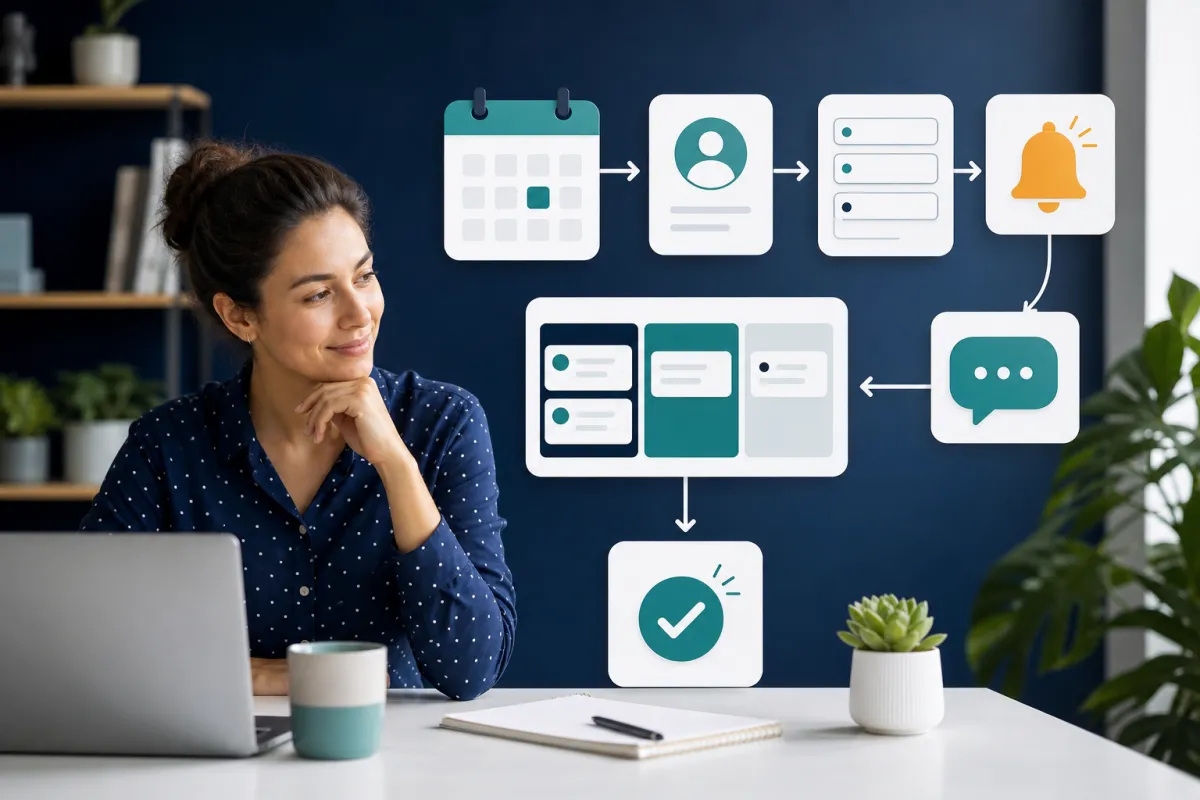
- Before booking: Send traffic from your website, emails, ads, or social profile to one focused booking page.
- During booking: Ask for contact details, service interest, and one qualifying question that helps your team prepare.
- Immediately after booking: Send confirmation and add the contact to your CRM with the correct source and appointment context.
- Before the appointment: Send a helpful reminder with time, format, preparation notes, and a reschedule option.
- After the appointment: Move the contact to the correct next step: proposal, purchase, onboarding, rebooking, or nurture.
This is not complicated, which is exactly why it works. The businesses that benefit most from automation are often not missing a giant strategy. They are missing a dependable sequence for the small moments that happen every day.
Summary / Next Steps
An online booking system for small business should do more than show available times. It should reduce friction, collect useful context, confirm clearly, remind at the right moments, connect appointments to CRM records, and keep follow-up moving after the meeting.
Next step: Try Kalingo, book a demo, or request a setup call to map your booking page, intake form, appointment follow-up, and CRM process into one practical workflow.
Recommended next reads
- Appointment Reminder Automation: Email, SMS, and No-Show Reduction
- Marketing Automation for Small Businesses: What to Set Up First
- Automated Lead Follow-Up: 7 Workflows That Turn More Enquiries Into Customers
Ready to compare options? View Kalingo pricing plans and choose the setup that fits your next growth move.
Frequently Asked Questions
What is an online booking system for small business?
It is a digital process that lets customers choose an available time, share basic details, receive confirmation, and move into your follow-up process without manual scheduling emails or calls for every appointment.
What should a small business include on a booking page?
Include the appointment outcome, format, duration, preparation notes, and one clear booking action. Add a short intake form only for details your team will use before or during the appointment.
How does booking automation help reduce no-shows?
Booking automation can help by confirming appointments immediately, sending timely reminders, making rescheduling easier, and triggering friendly follow-up when someone misses a scheduled time.
Can Kalingo connect booking with CRM follow-up?
Yes. Kalingo is built to help small businesses connect booking, forms, contact management, automated follow-up, and reporting so appointment activity becomes part of the wider customer journey.